Access User Settings
There are several ways to access the 'Settings' page from the homepage:
| ■ | Swipe down to display the main menu tray, then tap Settings. |

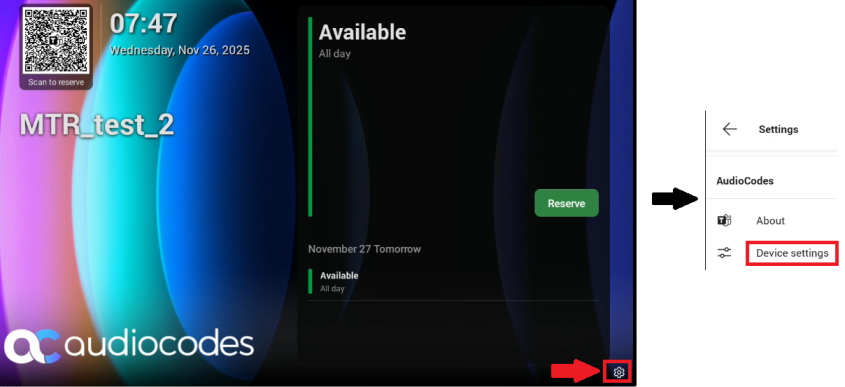
| ■ | Tap the wheel icon in the bottom right corner of the homepage, then tap Device Settings. |
Any user can configure User settings:
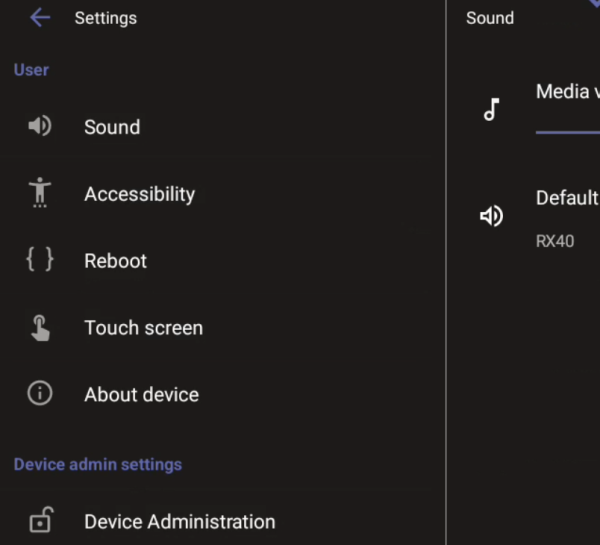
Viewing and configuring Device Admin settings requires Admin login. For details, see Admin Settings .